



Monday, 12 October 2026 05:10 AM
Company Update
SHENZHEN, CN / ACCESS Newswire / October 12, 2026 / Every new feature in a video editor costs time before it saves any. It has to be found, learned, and trusted before it becomes part of the routine. A release is worth using when that cost is paid back quickly. The payback comes from repeated work, such as analyzing footage, keeping moving subjects consistently framed, or checking subtitle errors.
Wondershare Filmora 16 arrived with 6 new features. Each addition either reduces repetitive work or gives editors more direct control over a specific stage of the editing workflow. None of them makes creative choices for you, so their value largely depends on how much repetitive work they remove from your own workflow. Whether the release is worth using therefore changes from one creator to the next.
Part 1. What Is New in Filmora 16
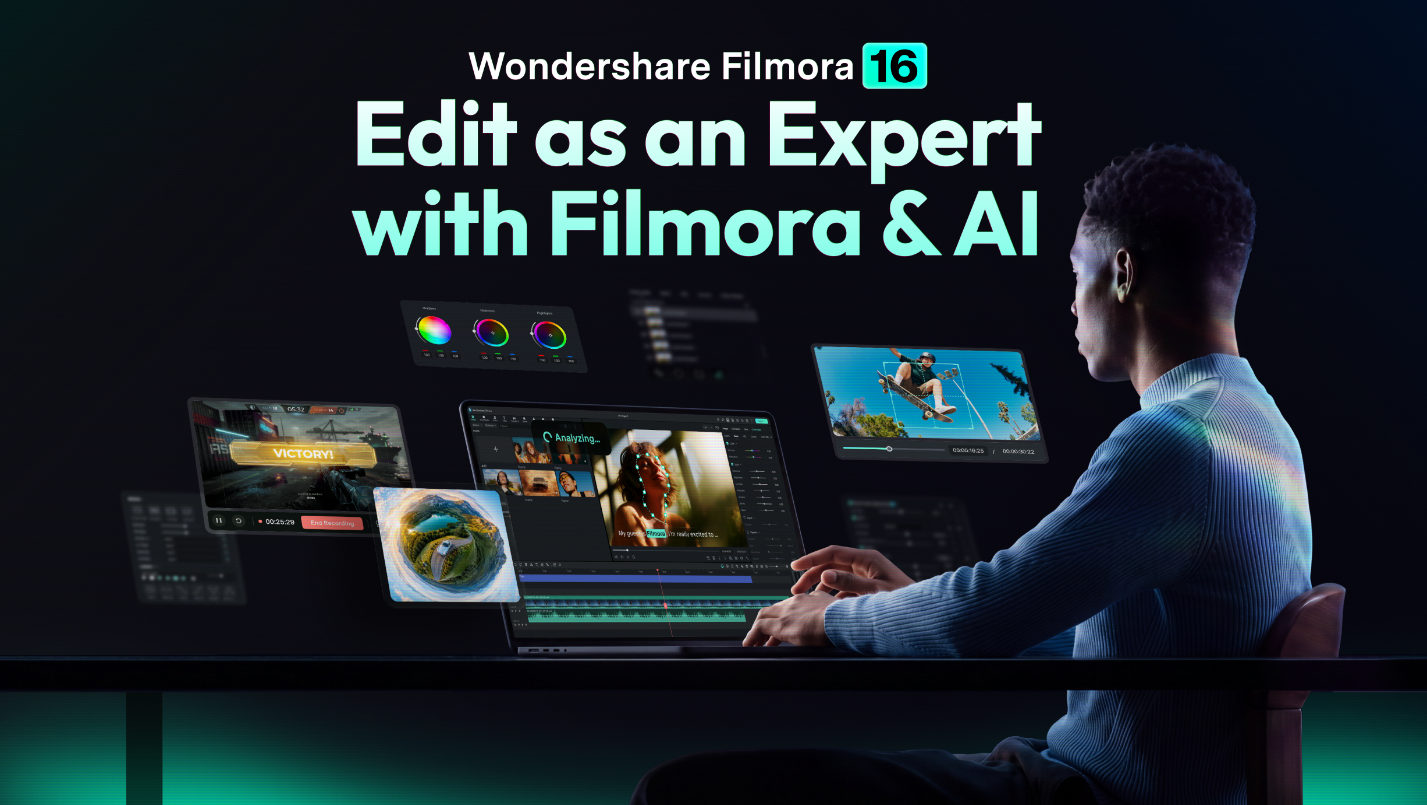
Whichever creator you are, the answer starts with the 6 features themselves. Filmora 16 adds Camera Tracking, AI Media Analysis, Color Mask, Smart Text Correction, 360° Video Reframing, and Multi-Source Recording. Filmora lists all 6 for both Windows and Mac. Each one takes over a manual job but leaves a decision with the editor:
| Tool | The Manual Job It Reduces | What It Still Leaves You |
| Camera Tracking | Repeatedly cropping, repositioning, or adding manual keyframes to keep a moving subject properly framed. | Choosing the Head, Body, or Custom target, reviewing the resulting framing, and refining the tracking settings when needed. |
| AI Media Analysis | Reviewing clips individually to identify their content and useful moments. | Deciding which analyzed clips actually fit the story, quality requirements, and final edit. |
| Color Mask | Building separate masking and grading adjustments to isolate part of the frame for targeted color work. | Choosing the affected area, mask settings, grading adjustments, and how strong the correction should be |
| Smart Text Correction | Manually reviewing transcription output to locate likely subtitle errors. | Reviewing highlighted sections and deciding which suggested corrections fit the spoken dialogue. |
| 360° Video Reframing | Preparing or reframing 360° footage separately before bringing the required view into the main edit. | Choosing the viewing direction, perspective, movement, and final framing. |
| Multi-Source Recording | Setting up and synchronizing separate screen, camera, microphone, and system-audio recordings after capture. | Choosing the required sources, recording settings, camera placement, and whether the captured material is ready to edit. |
Together, the 6 additions reduce manual review, tracking, correction, grading, reframing, and capture setup across different stages of editing. That balance makes the new tools easier to fit into existing workflows, because editors can still review and refine the results.
Part 2. How Filmora 16 Feels in Real Editing Workflows
Across a real editing project, the six features support different stages of the workflow, and their value depends on how often those tasks repeat. The Filmora video editor saves time unevenly across them, and the gain grows with the size of the job:
- Footage Organization: AI Media Analysis examines supported videos and images and generates keywords, descriptions, ratings, and editing suggestions that help editors narrow down relevant material before detailed review. Since analysis consumes credits, its practical value depends on how much manual footage review it can reduce.
- Timeline and Picture: Camera Tracking sits under the clip's "Video" and "Tracking" settings. Color Mask keeps targeted adjustments inside its own tab using grading layers and masks instead of changing the whole frame. Both stay within Filmora's editing environment, reducing the need to move footage into separate tools for framing or targeted color work.
- Captions and Capture: Smart Text Correction highlights potentially incorrect subtitle sections and suggests corrections during the Speech-to-Text workflow. Multi-Source Recording captures screens, cameras, microphones, and system audio in one synchronized session while keeping supported sources separate for later editing. You can also position and resize the camera overlay before recording starts.
Those 3 stages also show the learning curve involved. Most features work directly within Filmora's familiar menus and panels once compatible media is imported. Smart Text Correction adds a simple option to the Speech-to-Text workflow, while Color Mask requires more deliberate grading and mask setup. Learning when and how to use each feature effectively takes more practice through real editing projects.
Part 3. Who Is Filmora 16 Best For?
The gains land on repetitive work, so the creators who benefit most are those with plenty of it. A Filmora free download lets creators test the core editing workflow and many of the new features, while free exports may include a watermark and some AI or premium functions may have usage limits. That makes it a low-risk way to try the release on your own footage. These four groups are likely to gain the most:
| Creator | What This Release Gives Them |
| YouTube and social creators | Faster caption review, footage analysis, and Camera Tracking for keeping moving presenters or other subjects more consistently framed. |
| Vloggers and educators | Faster footage organization, caption review, and lessons recorded with screen, camera, microphone, and system audio together. |
| Freelancers and small teams | Capture, targeted color work, caption correction, and timeline editing inside one desktop application with less tool switching. |
| Creators who want smart assistance inside a desktop editor | AI Media Analysis, Camera Tracking, Smart Text Correction, and other assisted tools alongside Filmora's manual editing controls. |
Across all four groups, the common benefit is integration. Filmora 16 places its AI-assisted tools alongside manual editing controls instead of replacing them. Tracked framing, masked color adjustments, and flagged subtitle text can still be reviewed and adjusted by the editor. Creators whose main workflow needs fall outside these additions may notice less impact during everyday editing.
Conclusion
Filmora 16 is worth considering in 2026 for creators who handle repetitive editing tasks. Its six major additions streamline footage review, subject tracking, targeted color work, caption review, 360° reframing, and multi-source recording. Most tools fit naturally into Filmora's existing workflow, while creative decisions remain with the editor.
Company Name: Wondershare
Contact Person: Tianyu Wu
Email: [email protected]
Website: https://filmora.wondershare.com/
Address: Shenzhen, China
SOURCE: Wondershare